Here you can find Step-by-Step guide how to connect to the VPN with the Android.
Step-by-Step guide
Install application
Download application
Clash Meta for Androidby following link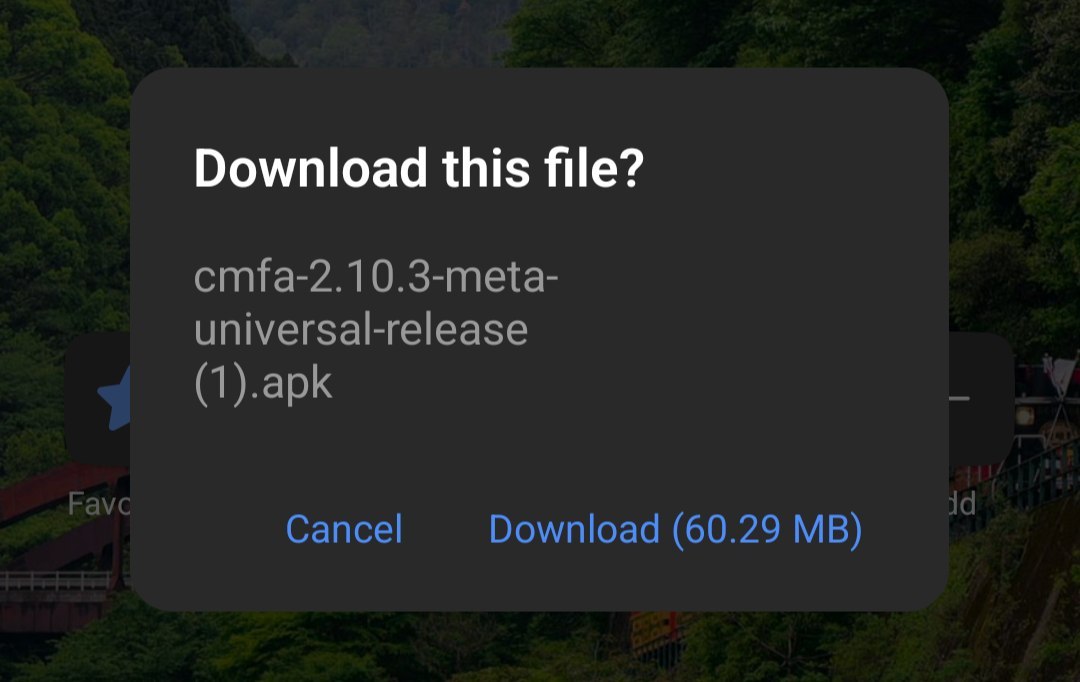
Clash Meta for Android application download
Install application. You may need to allow APK installation from untrusted sources.
Open
Clash Metaapplication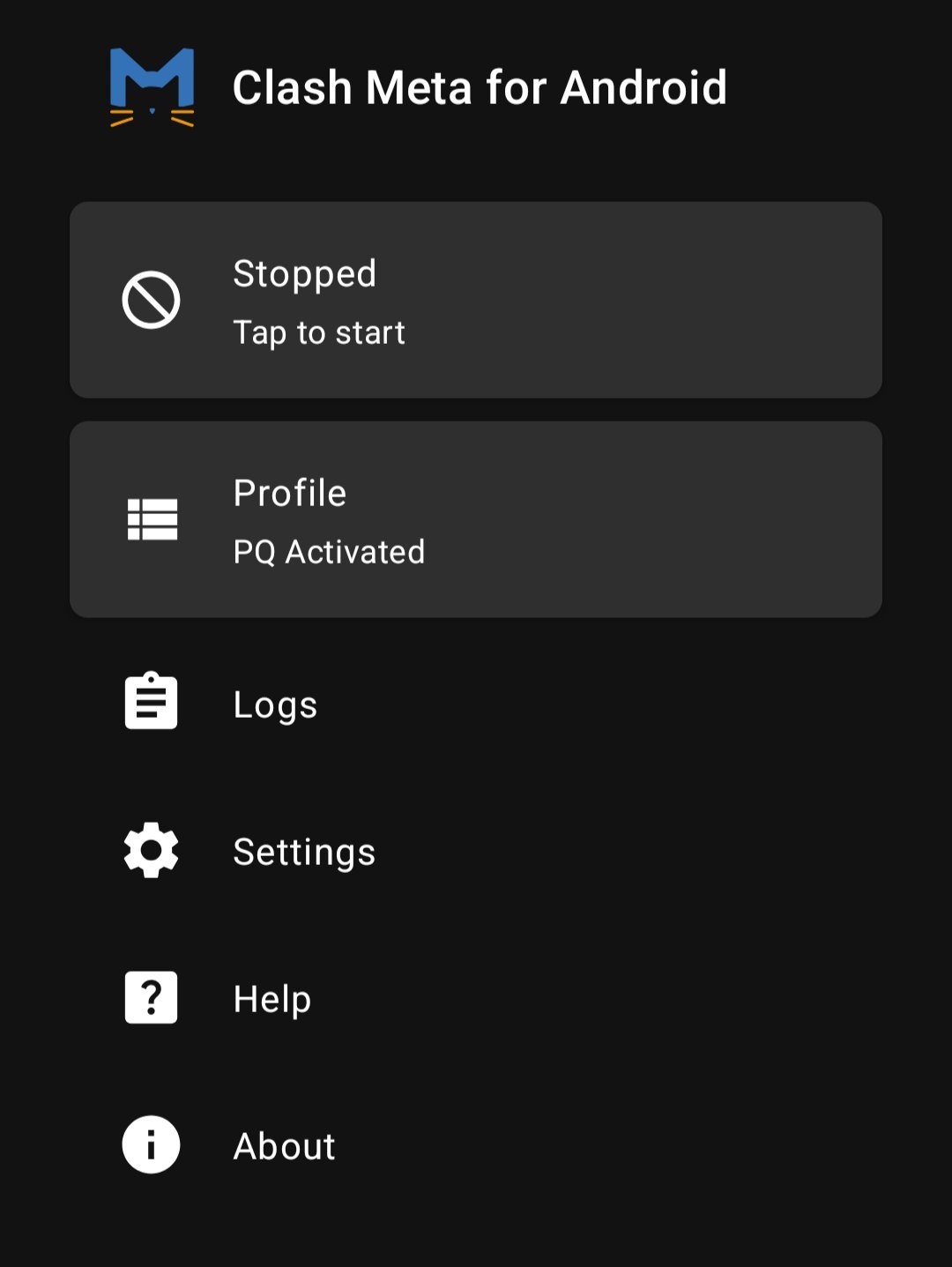
Clash Meta for Android application interface
Import profile
Select
Profile, click on the+at the top and selectImport from URL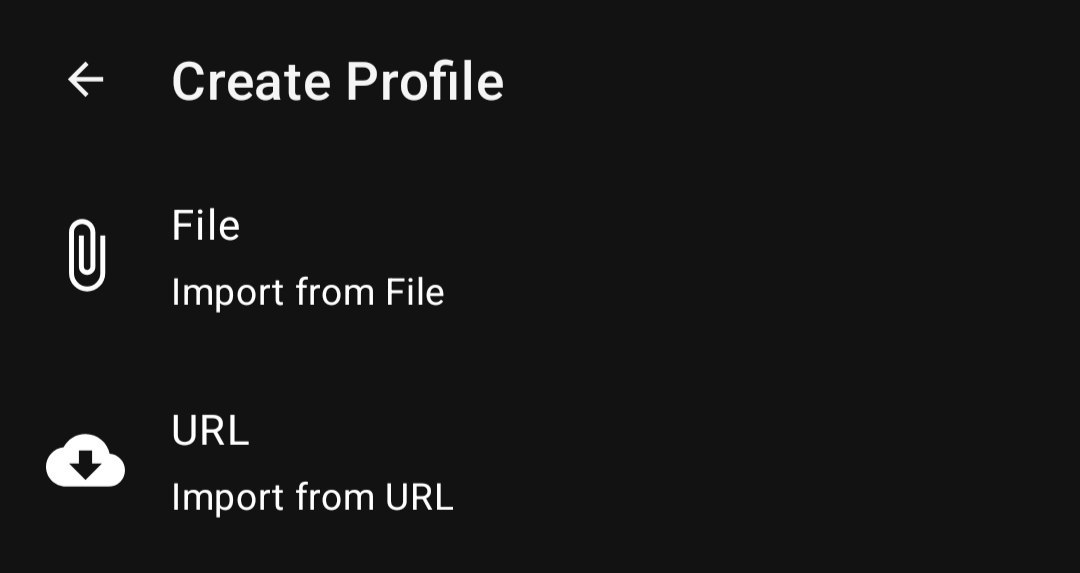
Import of profiles is available via URL and from file
Enter profile info to import your subscription
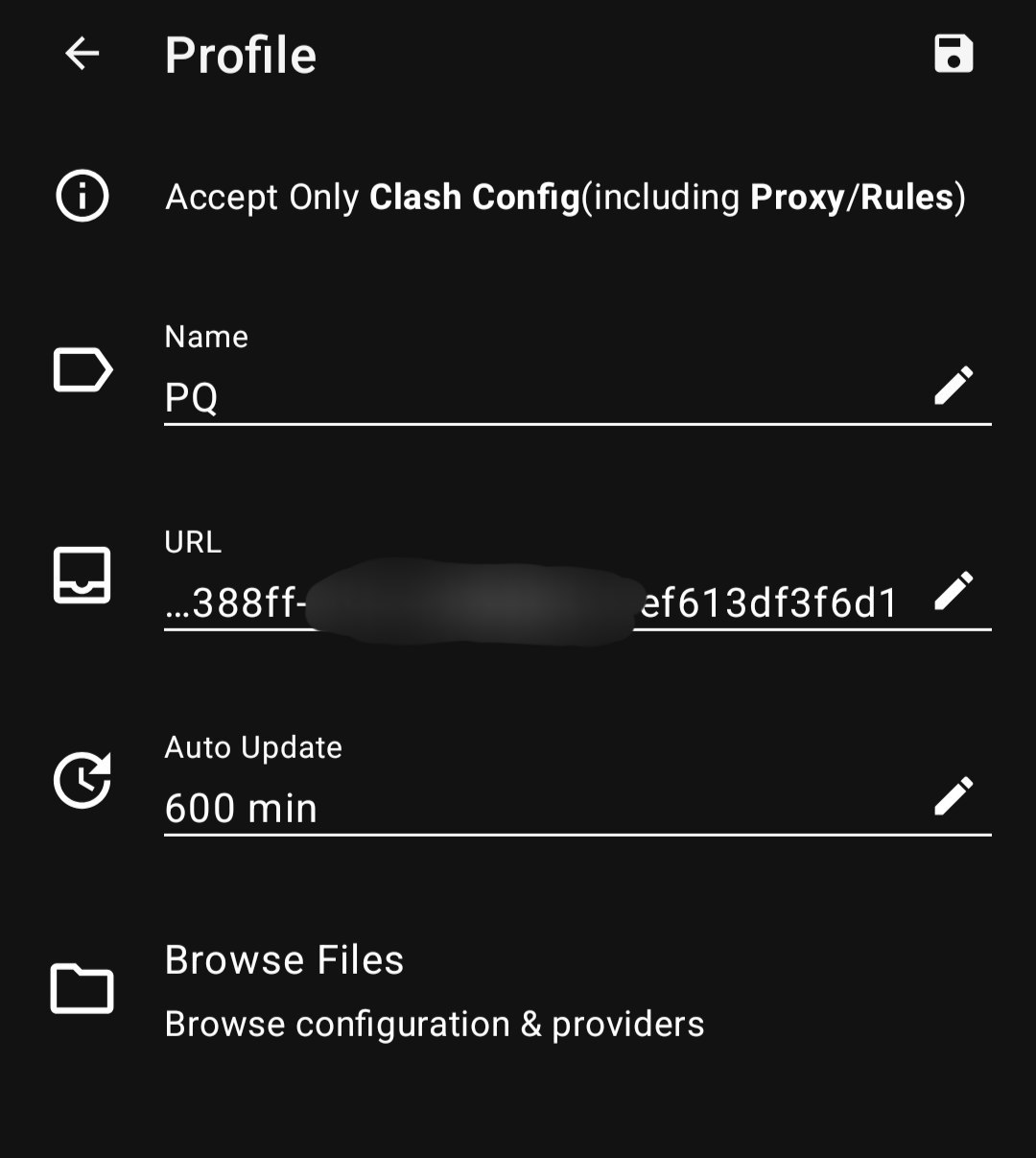
Profile settings when importing from URL
You can enter any profile name. In the URL field, paste the link to your subscription in clash format. In the automatic subscription update field, you can enter 600 minutes.
Automatic updates ensure that your list of servers is always fresh, for example, if a new server appears or any existing server is replaced, this information is automatically synchronized with your application.
The subscription link is available in the email and is accessible from your client area. In your client area, select VPN service and click the
Instructionsbutton.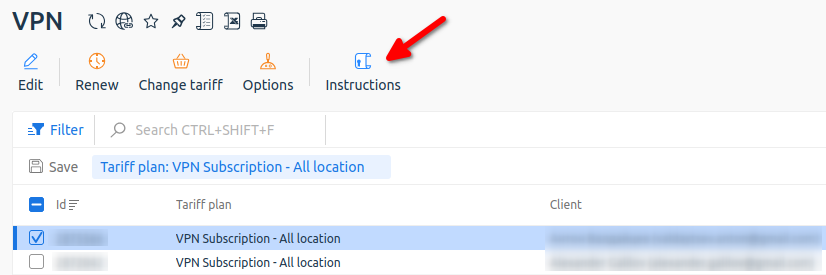
Getting instructions from your client area
Save the profile with the diskette button on top, after importing the profile needs to be activated. To do this, select the profile and click on it so that a round marker appears on the left.
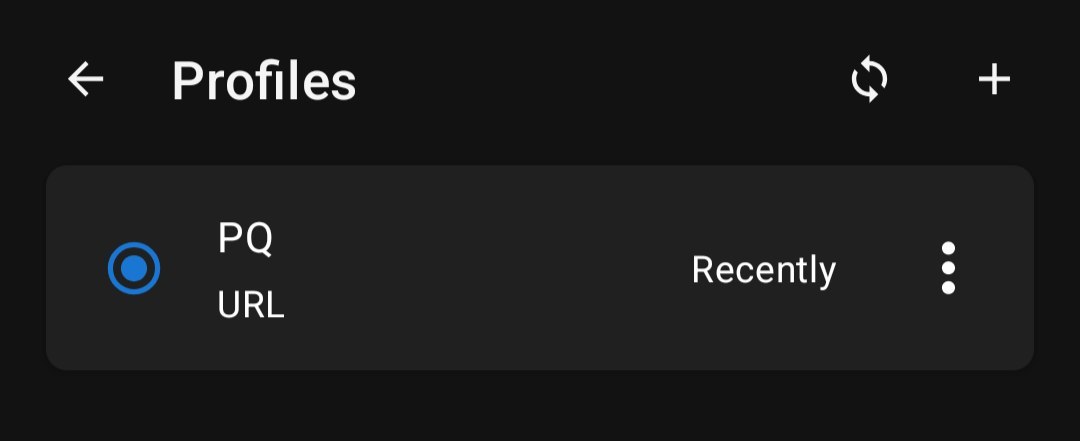
Activating a profile after import
Connect to server
- Return to the main menu of the application and start the VPN by pressing the first button
Stopped.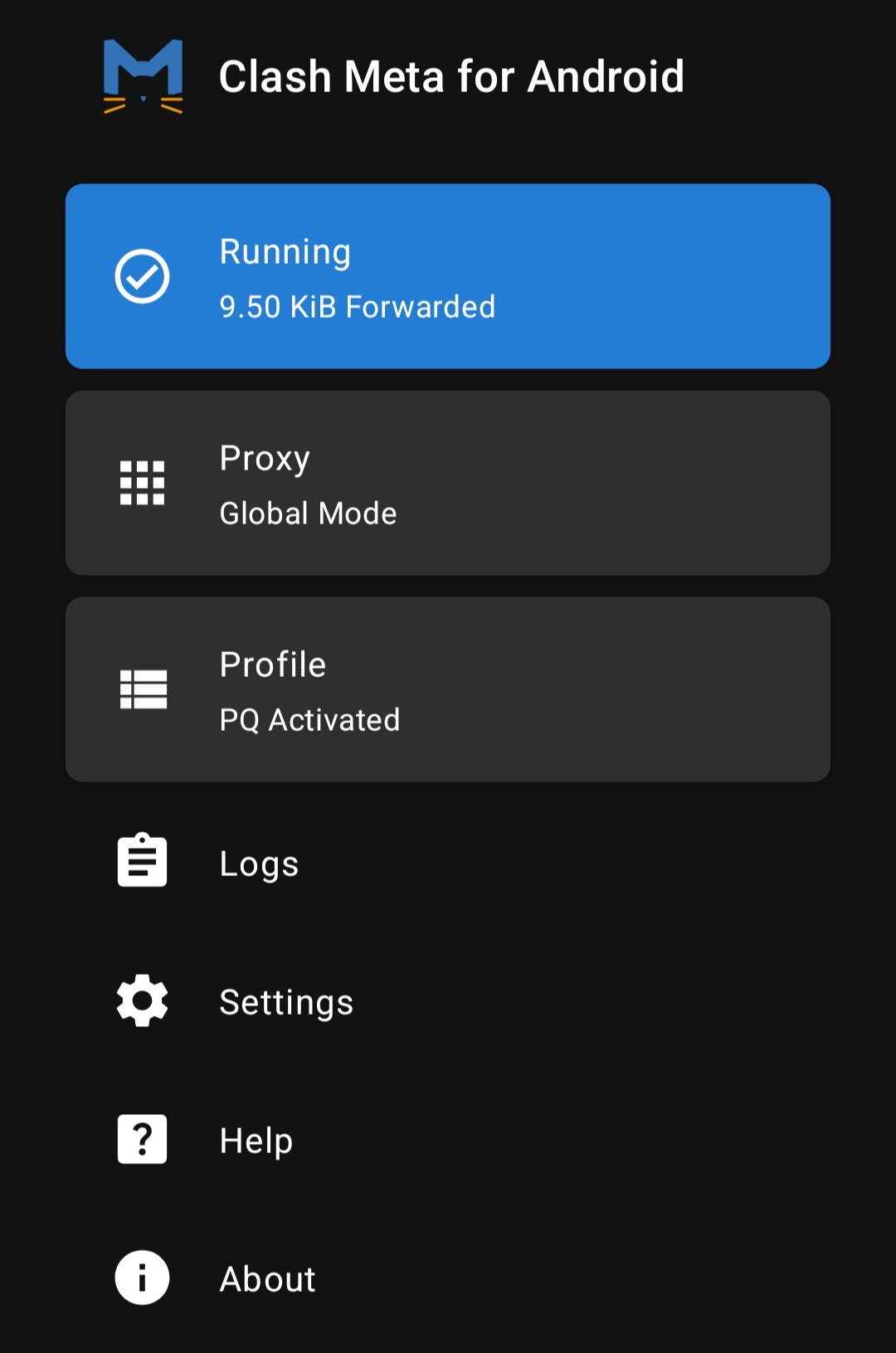
First connection to VPN
When connecting for the first time, you will need to grant permission to establish a VPN connection in the system.
- After activating the connection, the status will change to
Running, and below will appear the itemProxy, go there and select the server you are interested in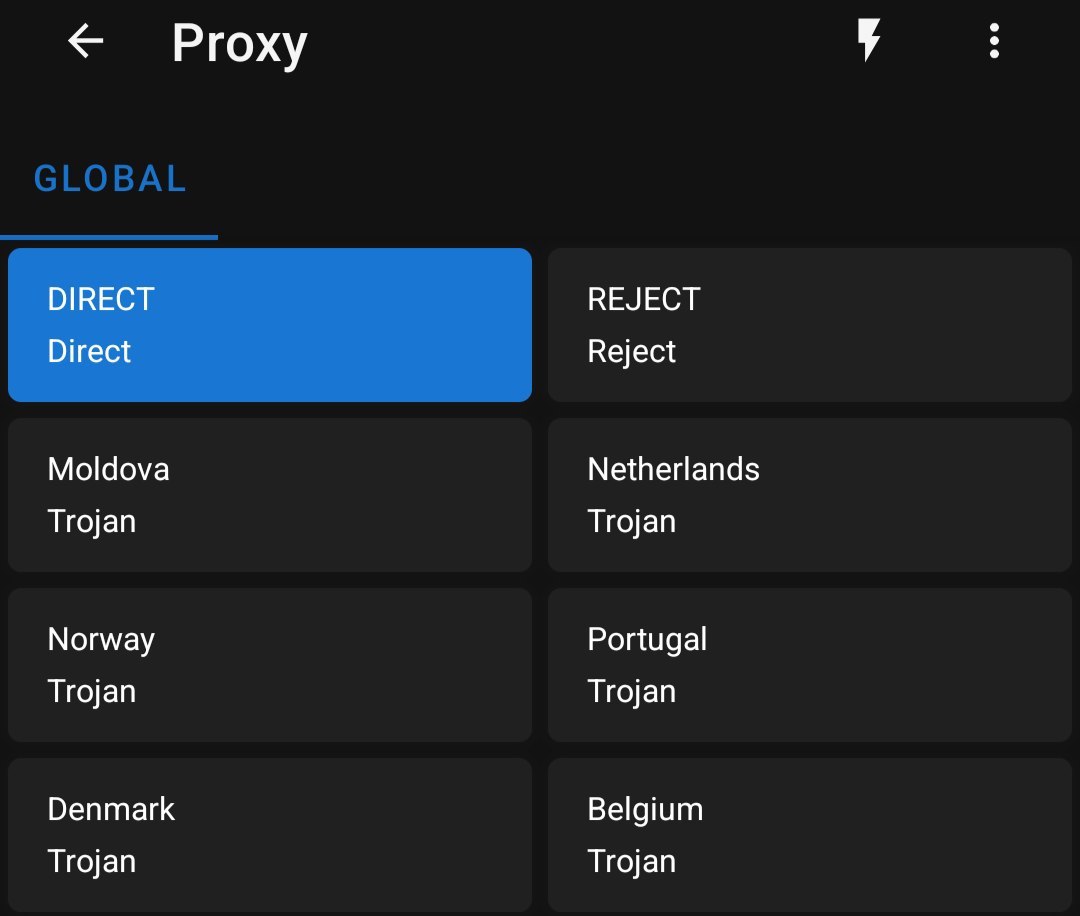
Selecting a location in the application
Please note. Servers include DIRECT and REJECT.
DIRECT - a policy where traffic is sent directly, bypassing the VPN server.
REJECT - a policy that blocks all network traffic.
When VPN is not needed, you can simply select DIRECT instead of disabling the program.
- Check the VPN by opening YouTube or loading the site https://whatsmyip.com from the browser on the TV
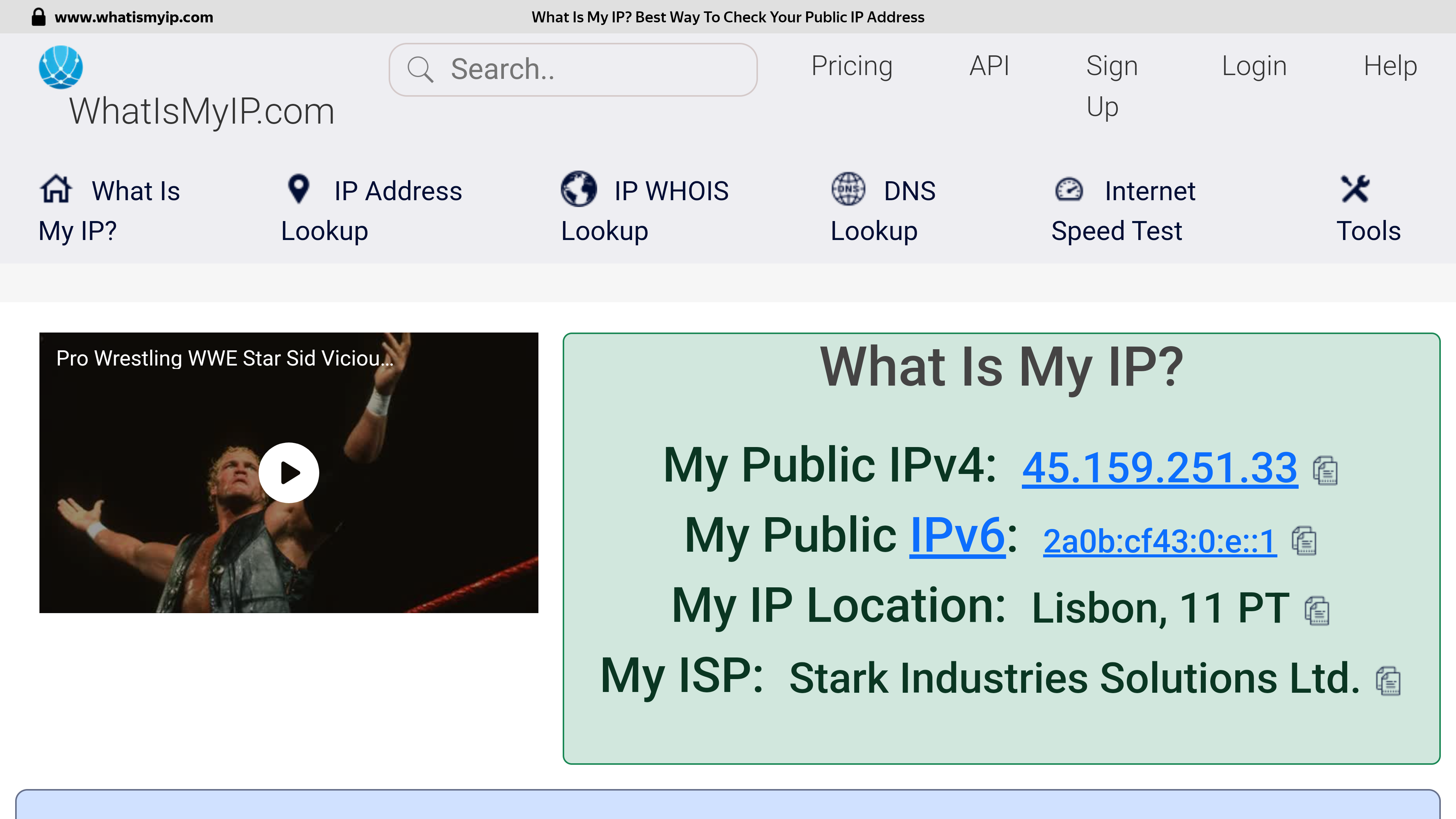
Checking the address after connecting to a VPN server in Portugal
If successful, you should see that your connection is going through another country.
Please note: The speed is affected by the geographical distance from the VPN server, the trunk channels between the check points, the current channel load at your Internet provider and the VPN server, the tariff plan of your Internet connection and other factors that cannot be influenced from the outside.
If selected location is unstable, just try to select another one to get optimal internet access.